
3D overprint optimization#
Walkthrough#
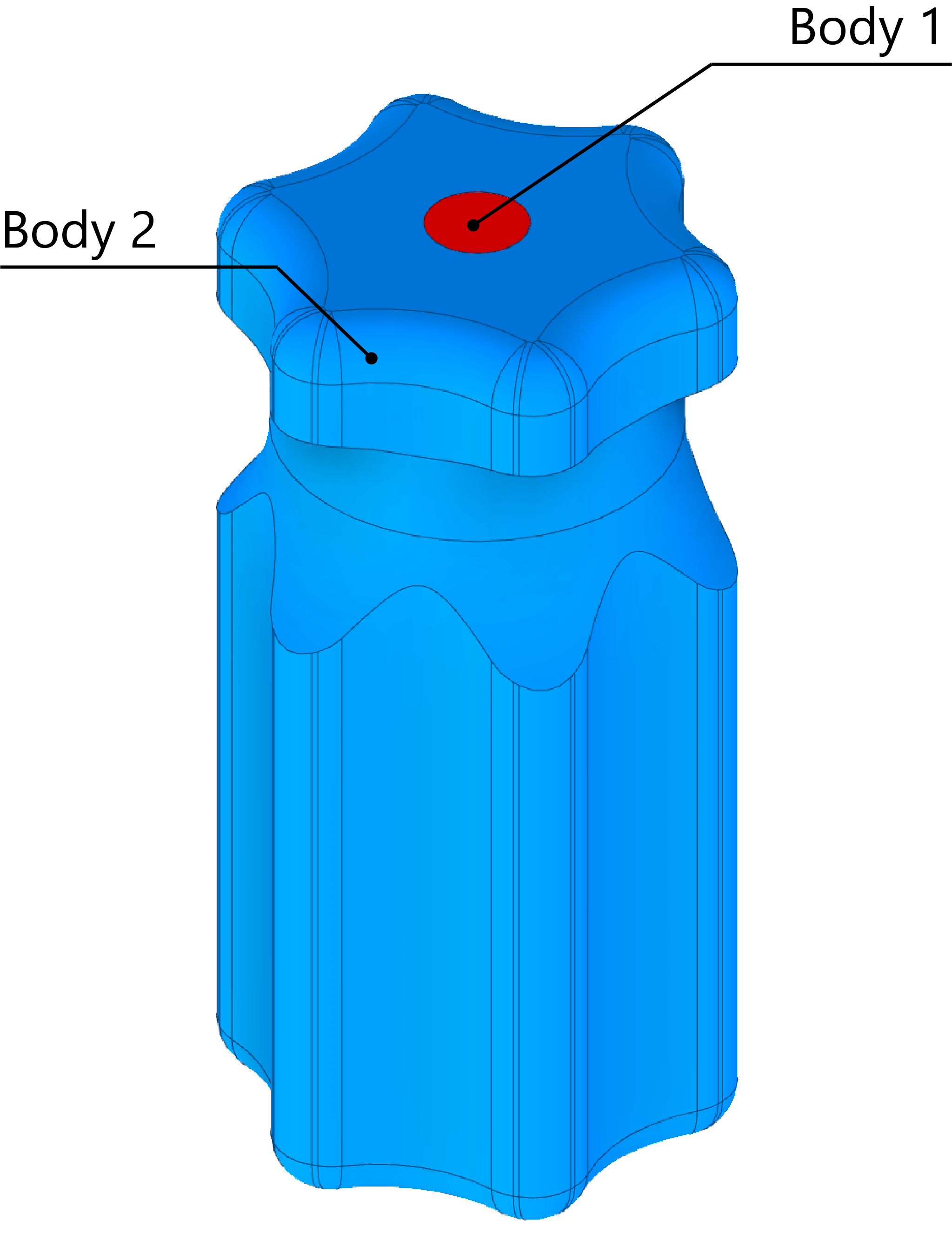
Create a TargetGeometry from a .stl file by specifying the stlfilename and resolution i.e. the number of slices in the z-axis. When overprint optimization is desired, use the bodies kwarg to specify which bodies are to be printed (i.e. a dictionary specifying which bodies are to be printed and which are the insert/s). In this case, the body to printed is body 2 and the body which is the insert is body 1.
Note
The 3D CAD model should be created with separate bodies e.g. when extruding a new feature, you can choose to create a new body instead of creating a union with the existing body and the new feature. This has been tested with Autodesk Inventor and Solidworks. Some 3D solid modeling software may not have this capability.
import vamtoolbox as vam
import numpy as np

target_geo = vam.geometry.TargetGeometry(stlfilename=vam.resources.load("screwdriver.stl"),resolution=200,bodies={'print':[2],'insert':[1]})
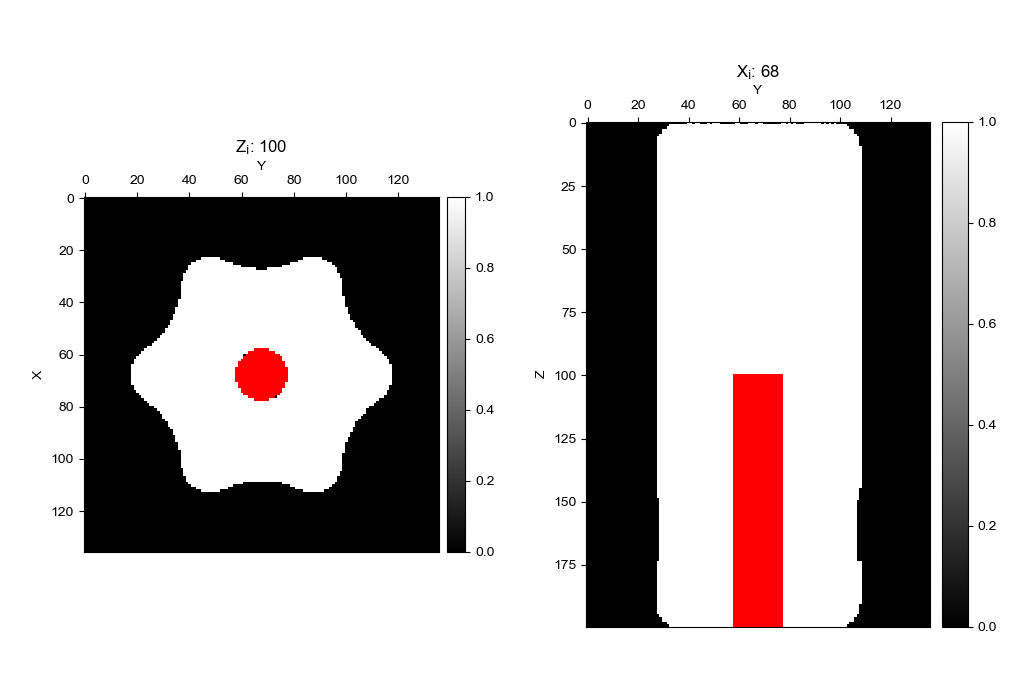
Finally, show the target with the show() method and use the show_bodies kwarg to show the insert bodies in a red color.
target_geo.show(show_bodies=True)
Create the ProjectionGeometry object. First, the angles array is created by using numpy.linspace to create 1D array of evenly spaced angles at which to perform projection.
num_angles = 360
angles = np.linspace(0, 360 - 360 / num_angles, num_angles)
proj_geo = vam.geometry.ProjectionGeometry(angles,ray_type='parallel',CUDA=False)
Create an vamtoolbox.optimize.Options object and run optimization. The Options object holds the parameters used by the optimize() function.
optimizer_params = vam.optimize.Options(method='OSMO',n_iter=20,d_h=0.85,d_l=0.6,filter='hamming',verbose='plot')
opt_sino, opt_recon, error = vam.optimize.optimize(target_geo, proj_geo,optimizer_params)
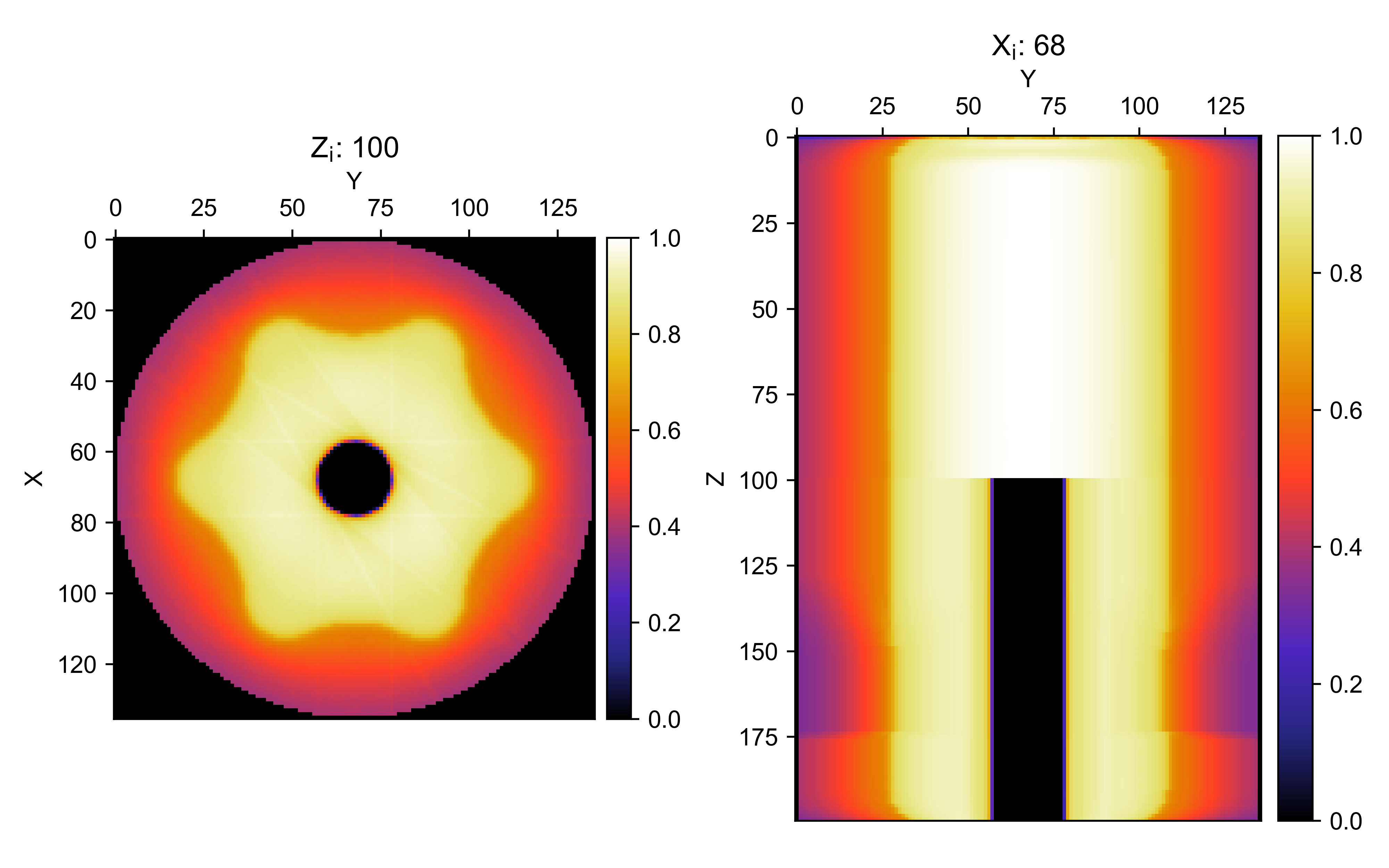
opt_recon.show()
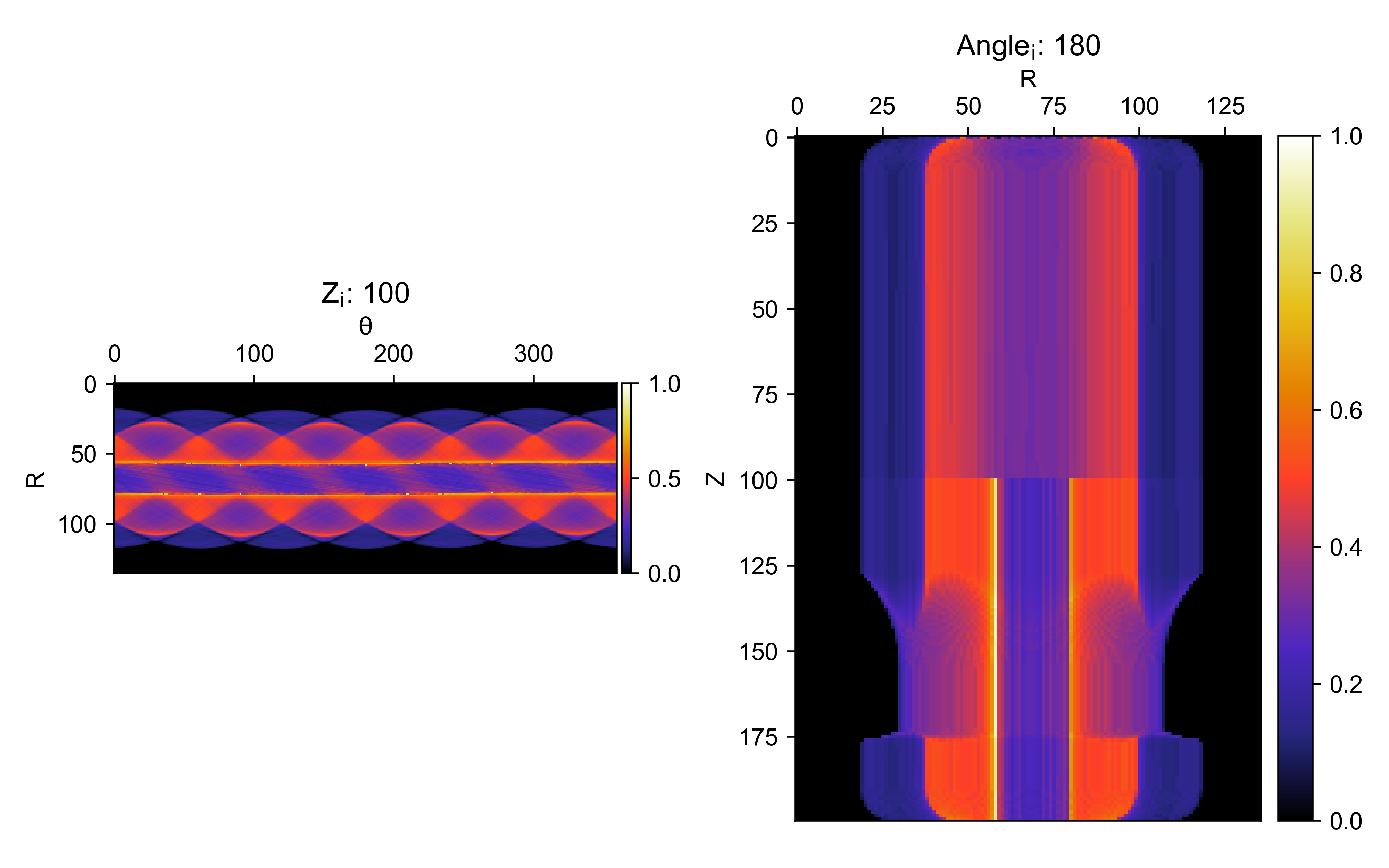
opt_sino.show()
Tip
Hover the mouse pointer over either slice and scroll to slice through the 3D voxel array at different z and x indices.
Example file#
import vamtoolbox as vam
import numpy as np

target_geo = vam.geometry.TargetGeometry(stlfilename=vam.resources.load("screwdriver.stl"),resolution=200,bodies={'print':[2],'insert':[1]})
target_geo.show(show_bodies=True)

num_angles = 360
angles = np.linspace(0, 360 - 360 / num_angles, num_angles)
proj_geo = vam.geometry.ProjectionGeometry(angles,ray_type='parallel',CUDA=False)

optimizer_params = vam.optimize.Options(method='OSMO',n_iter=20,d_h=0.85,d_l=0.6,filter='hamming',verbose='plot')
opt_sino, opt_recon, error = vam.optimize.optimize(target_geo, proj_geo,optimizer_params)
opt_recon.show()
opt_sino.show()