
3D optimization#
Walkthrough#
Create a TargetGeometry from a .stl file by specifying the stlfilename and resolution i.e. the number of slices in the z-axis and show the target with the show() method.
import vamtoolbox as vam
import numpy as np

target_geo = vam.geometry.TargetGeometry(stlfilename=vam.resources.load("trifurcatedvasculature.stl"),resolution=200)
target_geo.show()

Create the ProjectionGeometry object. First, the angles array is created by using numpy.linspace to create 1D array of evenly spaced angles at which to perform projection.
num_angles = 360
angles = np.linspace(0, 360 - 360 / num_angles, num_angles)
proj_geo = vam.geometry.ProjectionGeometry(angles,ray_type='parallel',CUDA=True)
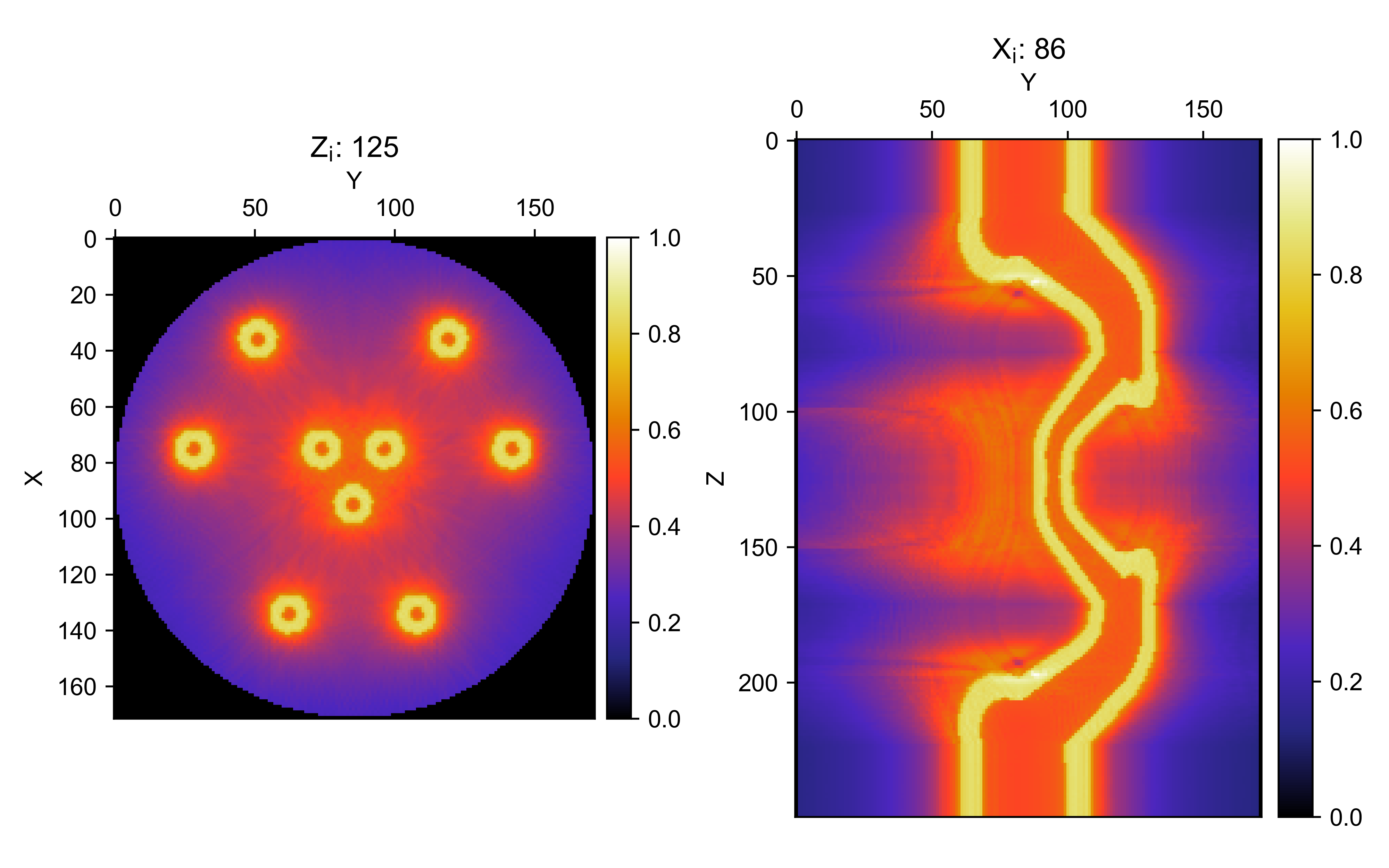
Create an vamtoolbox.optimize.Options object and run optimization. The Options object holds the parameters used by the optimize() function.
optimizer_params = vam.optimize.Options(method='OSMO',n_iter=20,d_h=0.85,d_l=0.6,filter='hamming',verbose='plot')
opt_sino, opt_recon, error = vam.optimize.optimize(target_geo, proj_geo,optimizer_params)

Tip
Hover the mouse pointer over either slice and scroll to slice through the 3D voxel array at different z and x indices.
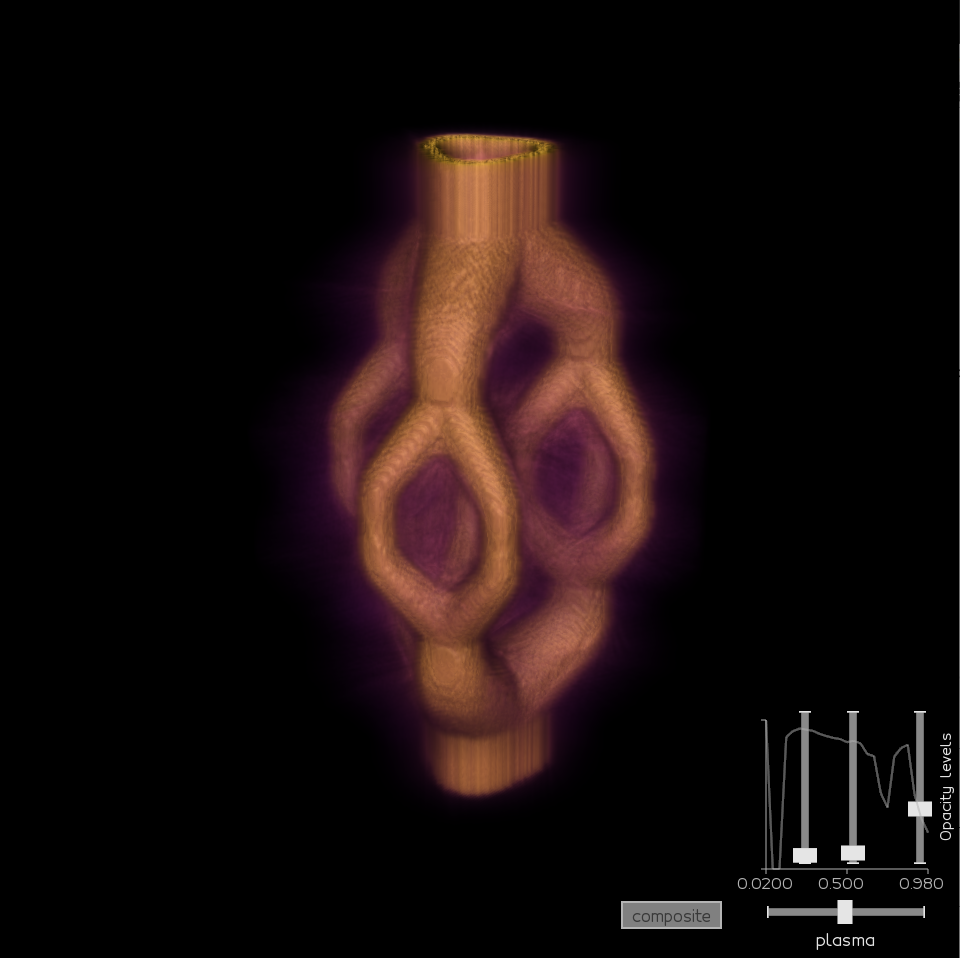
Alternatively, the vedo plotting package may be used to display the optimized reconstruction array (opt_recon.array). The RayCastPlotter application works well for customizable 3D display of the reconstruction array.
Example file#
import vamtoolbox as vam
import numpy as np

target_geo = vam.geometry.TargetGeometry(stlfilename=vam.resources.load("trifurcatedvasculature.stl"),resolution=200)
target_geo.show()

num_angles = 360
angles = np.linspace(0, 360 - 360 / num_angles, num_angles)
proj_geo = vam.geometry.ProjectionGeometry(angles,ray_type='parallel',CUDA=True)

optimizer_params = vam.optimize.Options(method='OSMO',n_iter=20,d_h=0.85,d_l=0.6,filter='hamming',verbose='plot')
opt_sino, opt_recon, error = vam.optimize.optimize(target_geo, proj_geo,optimizer_params)
opt_recon.show()
opt_sino.show()

import vedo
import vedo.applications
vol = vedo.Volume(opt_recon.array,mode=0)
vedo.applications.RayCastPlotter(vol,bg='black').show(viewup="x")